Laptops left on open desks
Hot-desk users step into meetings and leave devices and bags unattended in shared, high-traffic areas.
Facility & Amenity Lockers — Corporate & Workplace
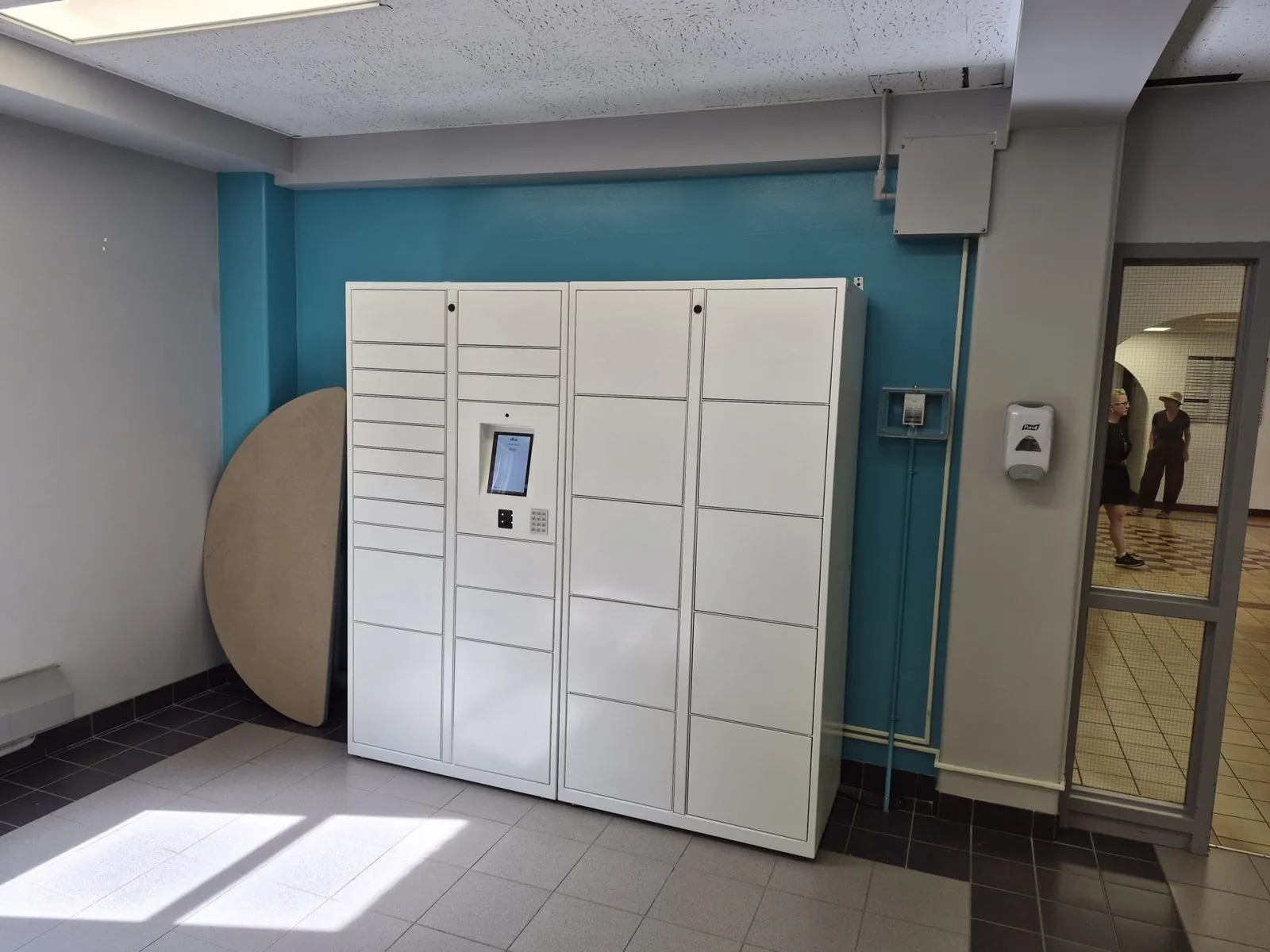
Corporate storage lockers built for hoteling and hot-desking: employees claim a locker from their phone on arrival, store a laptop and bag securely, and release it when they leave.
The problem today
When nobody owns a desk, personal belongings have nowhere to live — and laptops end up in the least secure places in the building.
Hot-desk users step into meetings and leave devices and bags unattended in shared, high-traffic areas.
Coats, gym kit, helmets and headsets pile onto chairs and under desks because assigned storage no longer exists.
Traditional assigned banks are allocated to people who are in two days a week, wasting floor space every day.
Lost keys, cut padlocks and manual reassignment lists consume facilities time with no record of who accessed what.
Why it matters
Workplace lockers are an amenity, not a revenue line — they earn their place through convenience, security and square footage.
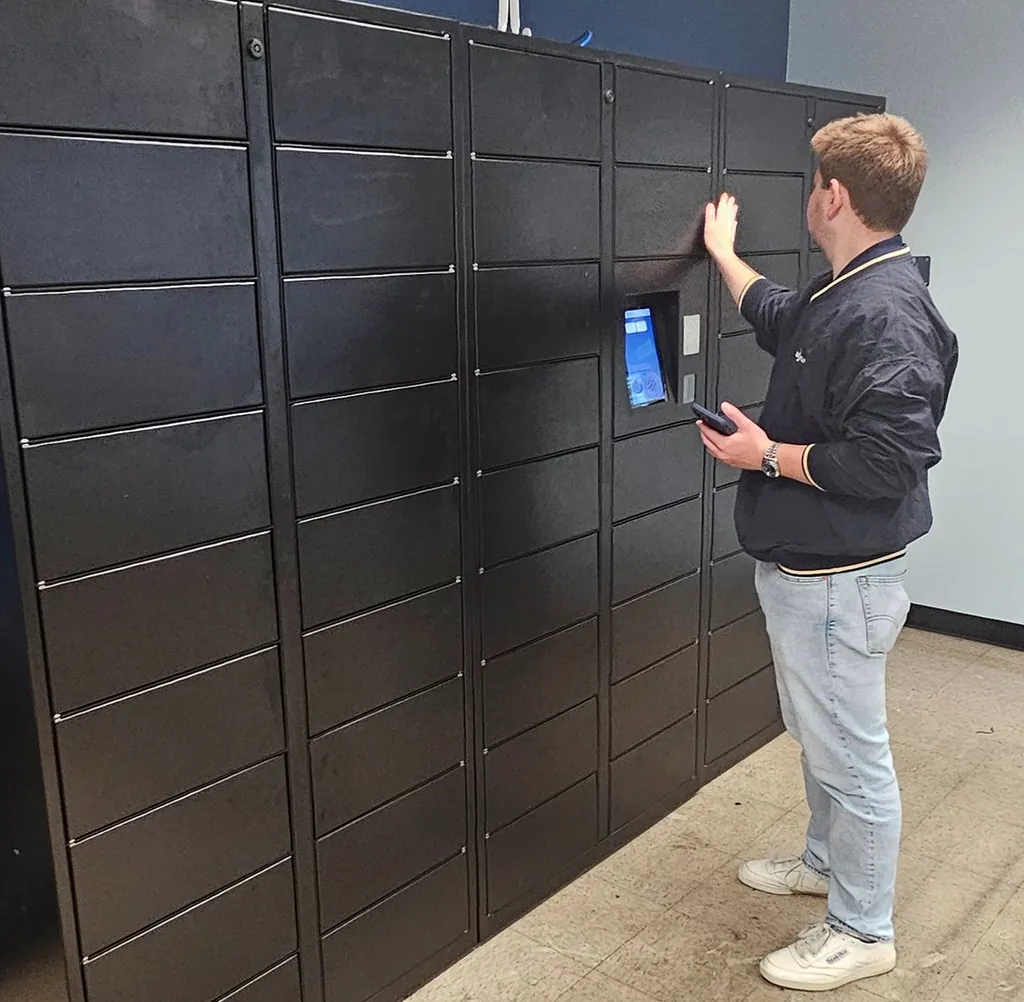
Employees reserve or claim a hot desk locker from the app or kiosk on arrival, with no admin request and no key handover.
Laptops, documents and personal items sit behind encrypted credentials with a full audit trail of every open and close.
Shared, dynamically assigned banks serve several times the headcount of fixed lockers in the same footprint.
Built for trust
Clean, quiet indoor construction suited to office floors, with dynamic assignment, occupancy reporting and space-efficient bank layouts.
PIN or QR access — no keys to lose, no coins to collect, no padlocks to cut.
Users rent, open and extend a locker from their own phone, with no attendant in the loop.
Card and digital wallet payments built in, with reporting per bank and per session.
Every door, screen and bank is managed and updated remotely, with 24/7 status and alerts.
Dynamically assigned, day-use compartments serve far more people per square foot than fixed lockers.
Encrypted credentials and a complete audit log of every open, close and override.
Planning
Review capacity, access and site requirements before choosing your towers.
Related guide
Assigned lockers assume everyone comes in every day. Hybrid teams don't — which is why day-use, dynamically assigned lockers serve more people in less floor space.
Tell us about your site and traffic. We'll size the system, model the revenue, and quote sale or rental options.