
Security & privacy
Secure lockers, simple answers
How our smart locker systems protect guest belongings, payments and data, and how to get documentation for your review.
How it works
Security built into every rental
Hardware and software designed together, so access, payments and data are handled consistently.
Keyless access
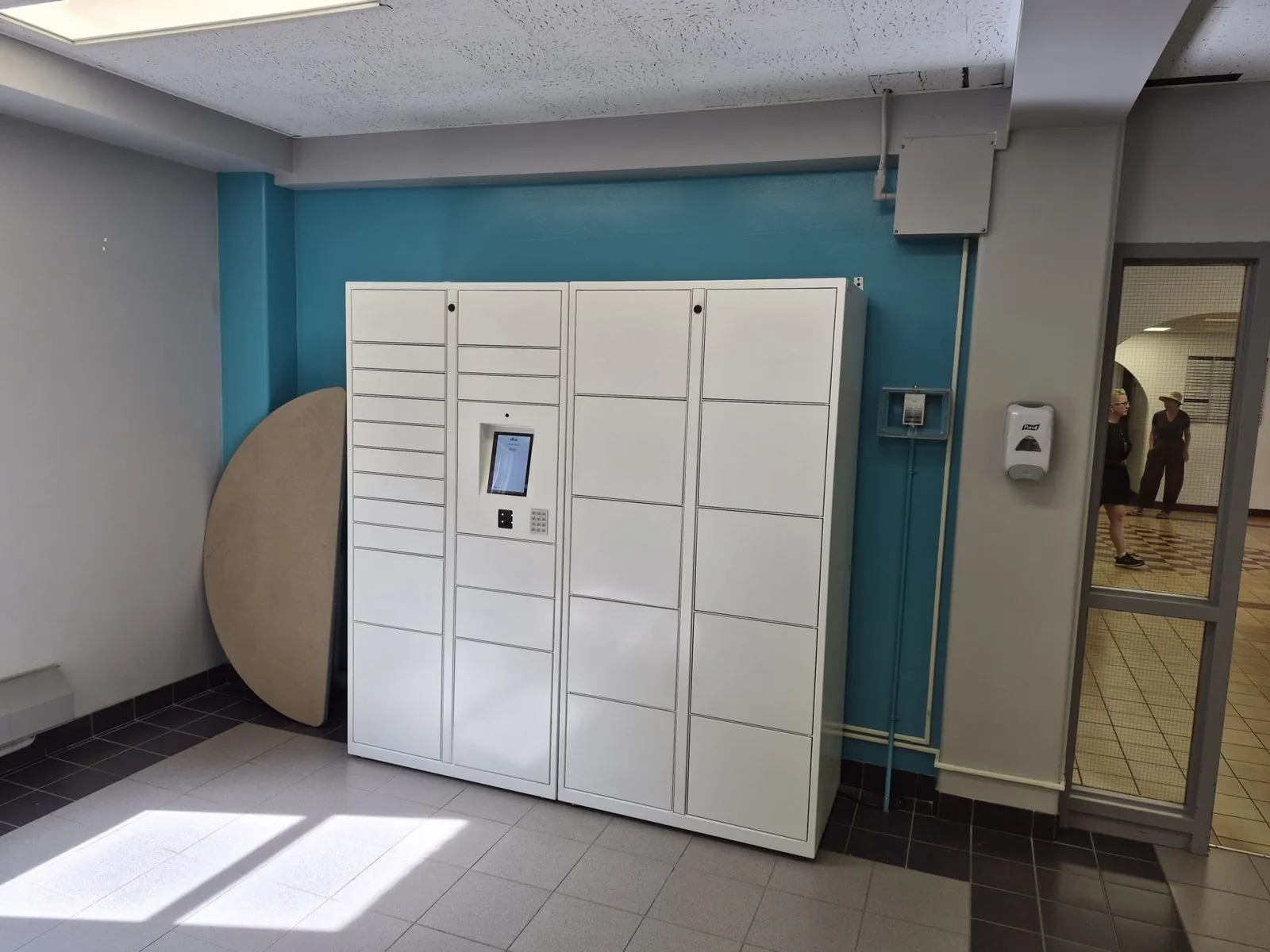
No physical keys to lose or copy. Guests open their locker with a code, phone or the touchscreen kiosk, and each rental is tied to one user.
Payments through a provider
Paid rentals are processed by a payment provider at the kiosk or on the phone, so card details are handled by the provider rather than stored on the locker.
Minimal guest data
Rentals ask only for what is needed to rent and reopen a locker, such as a phone number or email for the access code and receipt.
Staff controls
Operators can see locker status, open doors for guests who need help, and manage pricing and availability from the management software.
For IT & procurement
Request a security review
Every venue has different rules. We work through your requirements before installation.
- 01
Tell us your requirements
Share your security questionnaire, privacy rules or IT review checklist.
- 02
We review your setup
We match your requirements to the hardware, software and payment setup proposed for your site.
- 03
Get documentation
We provide the documentation that applies to your proposed system as part of the proposal.
Privacy & accessibility
Ask us how a proposed system fits your regional privacy rules and accessibility needs, including kiosk placement and reachable door heights.
Reporting a concern
If you notice a security issue with one of our lockers or systems, contact our team and we'll follow up.
Contact the teamNeed documentation for your review?
Tell us about your site and traffic. We'll size the system, model the revenue, and quote sale or rental options.